
Learn
Short videos, in order: set up Risotto, learn the basics, then go further.
Set up
How Risotto handles a request, then setting it up: from signing up to the first request in Slack or Microsoft Teams, your identity provider, your first access rule and Jira.
 Length 2:48Start hereHow Risotto worksA three-minute video that follows four requests from Slack: an access request, a question, a request your own runbook handles, and one that Risotto escalates to your team.
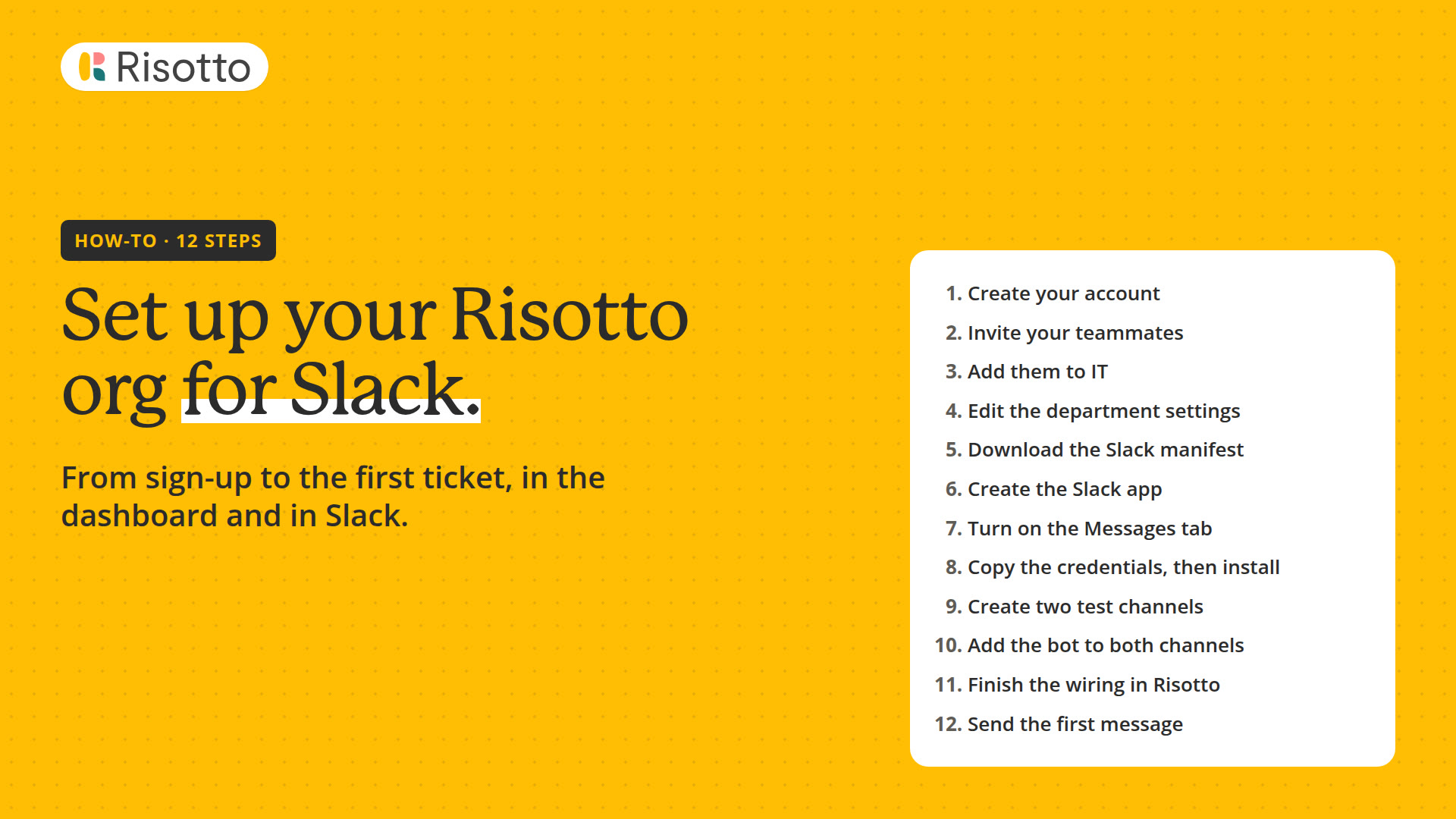 Length 3:00Set up for SlackA three-minute video of the twelve steps from signing up for Risotto to the first request in Slack, with your own custom Slack app.
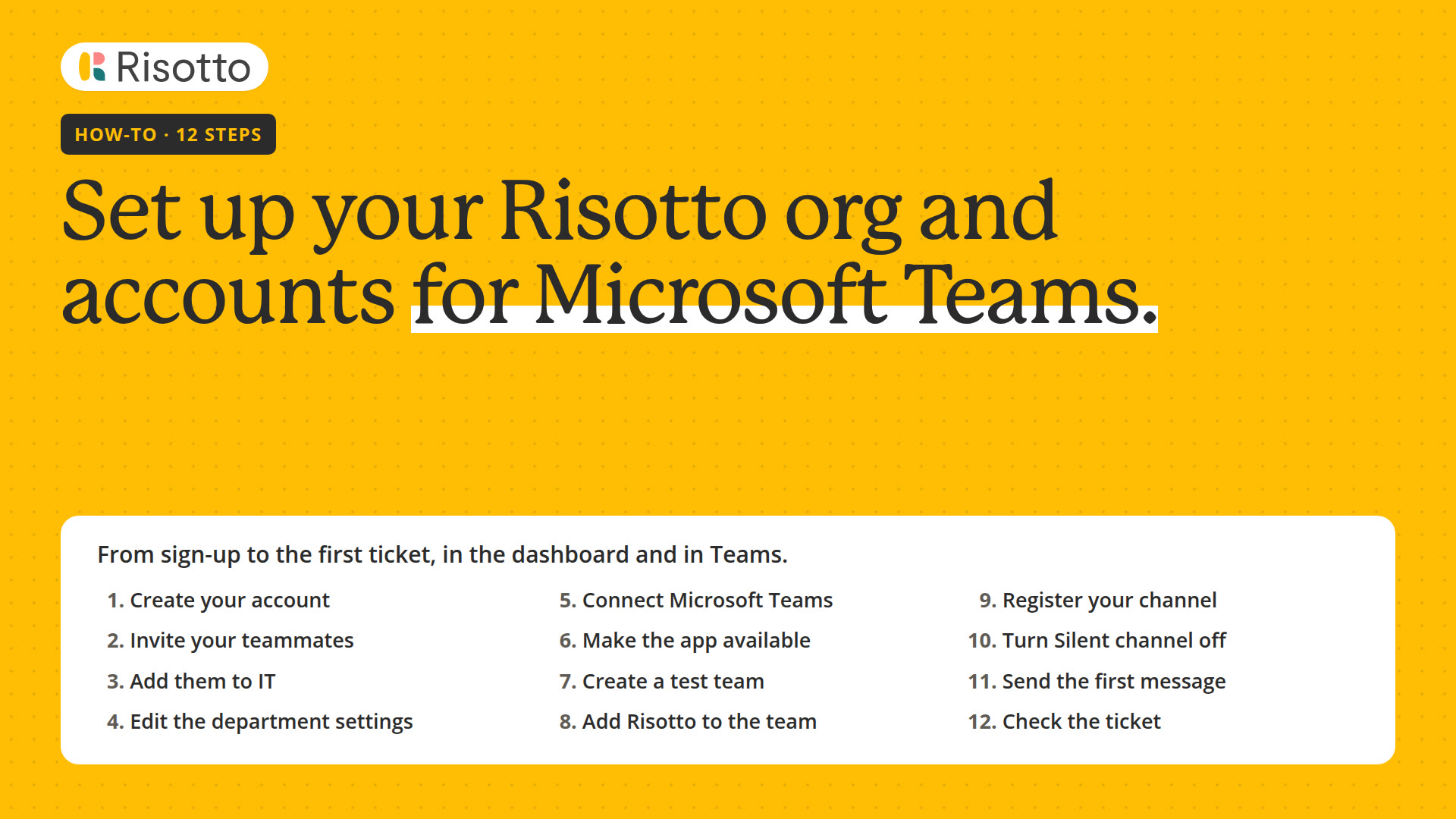 Length 2:41Set up for Microsoft TeamsA video of the twelve steps from signing up for Risotto to the first request in Microsoft Teams.
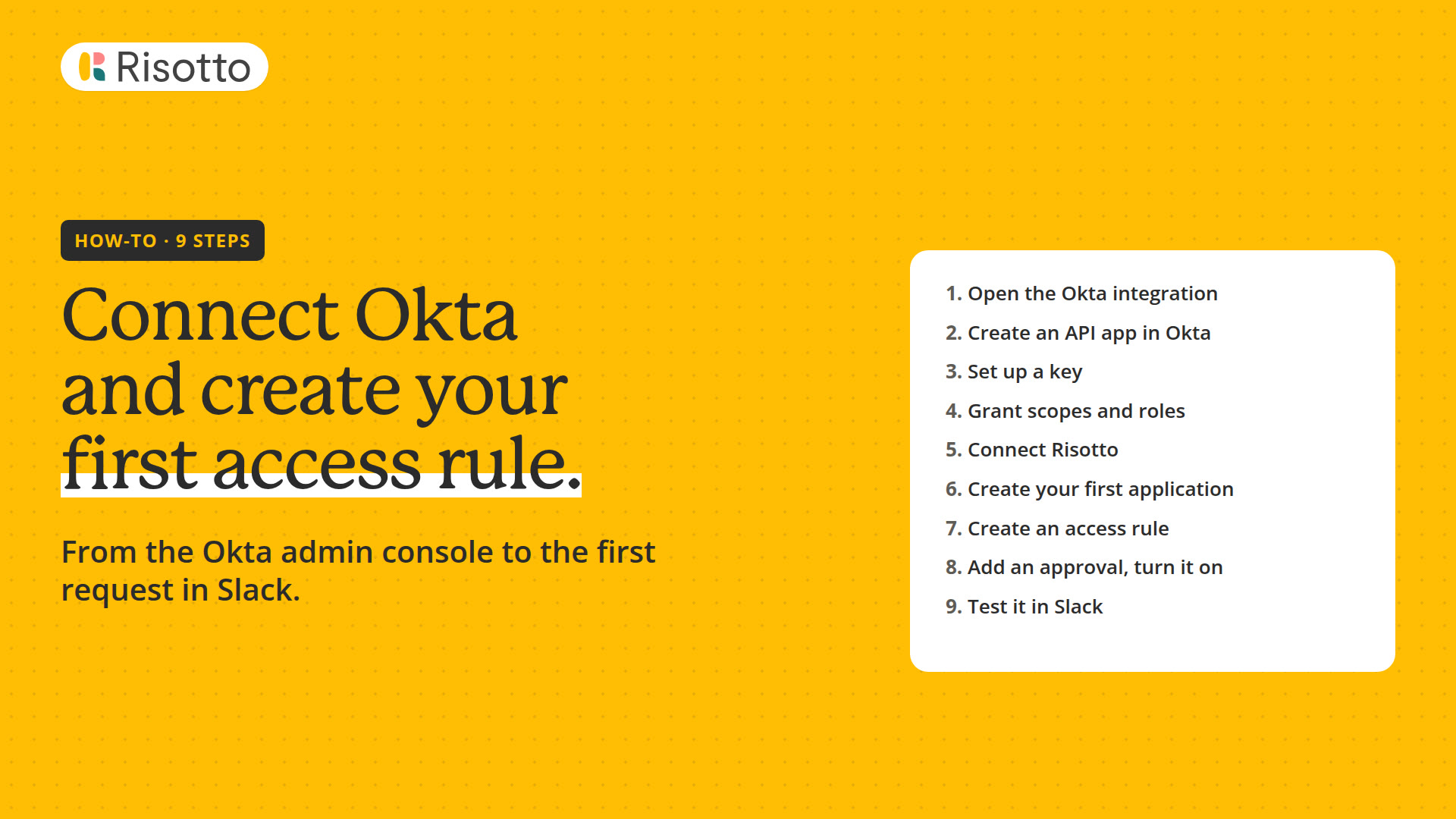 Length 2:33Connect your IdPA two-and-a-half-minute video of the nine steps from connecting Okta to the first access request in Slack: your first application, an access rule with an Okta group, and an approval.
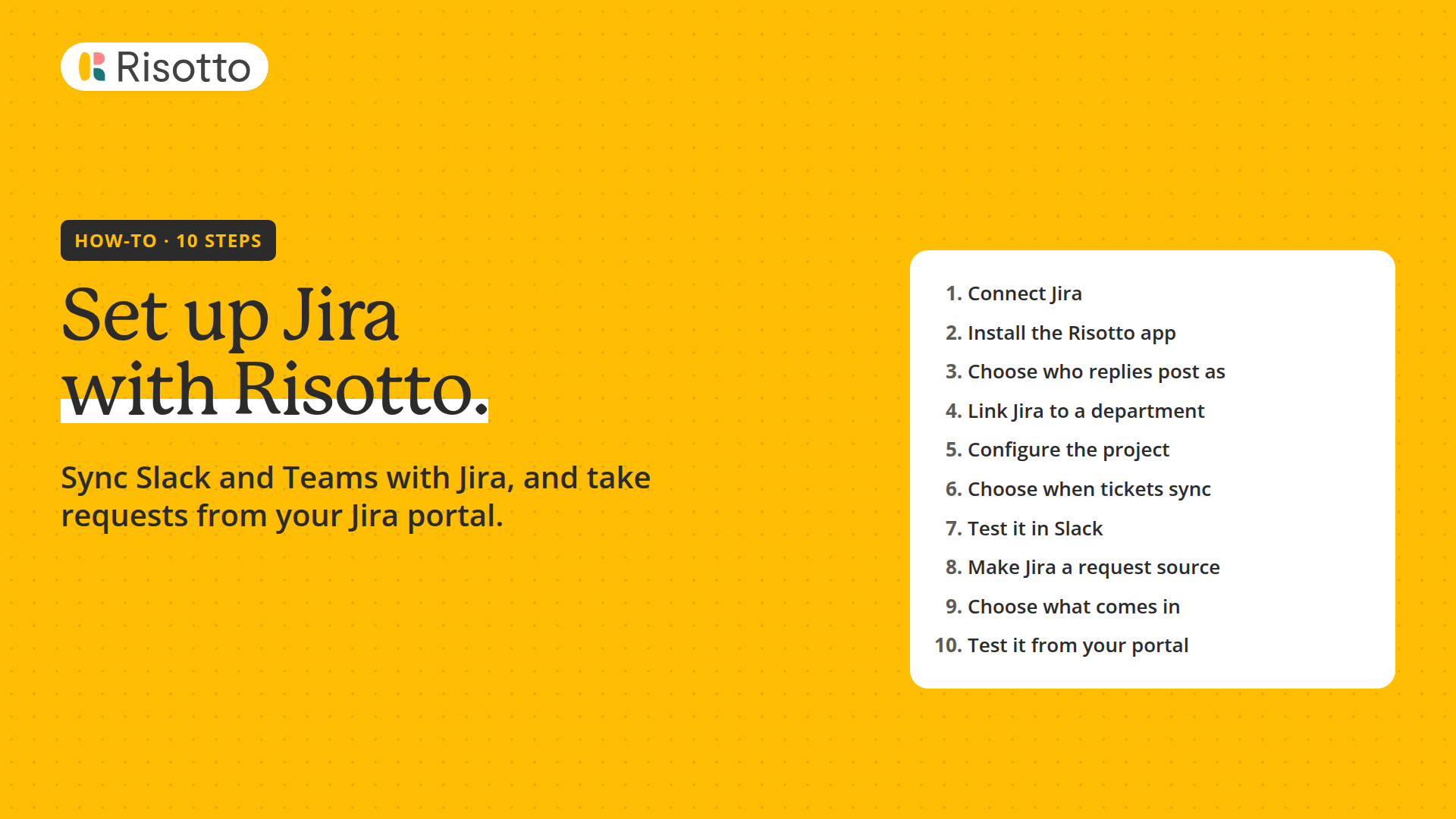 Length 3:32Set up JiraA three-and-a-half-minute video of the ten steps to connect Jira, turn on ticket sync for a department, test it in Slack and Microsoft Teams, and make a Jira project a request source.
Basics
The work you do every day: tickets in the dashboard, access requests, departments and routing, how runbooks work, and building by asking the Assistant.
 Length 2:33Use Risotto ticketingA two-and-a-half-minute walkthrough of ticketing in the dashboard: your inbox, the tickets table, filters and views, and everything on a ticket.
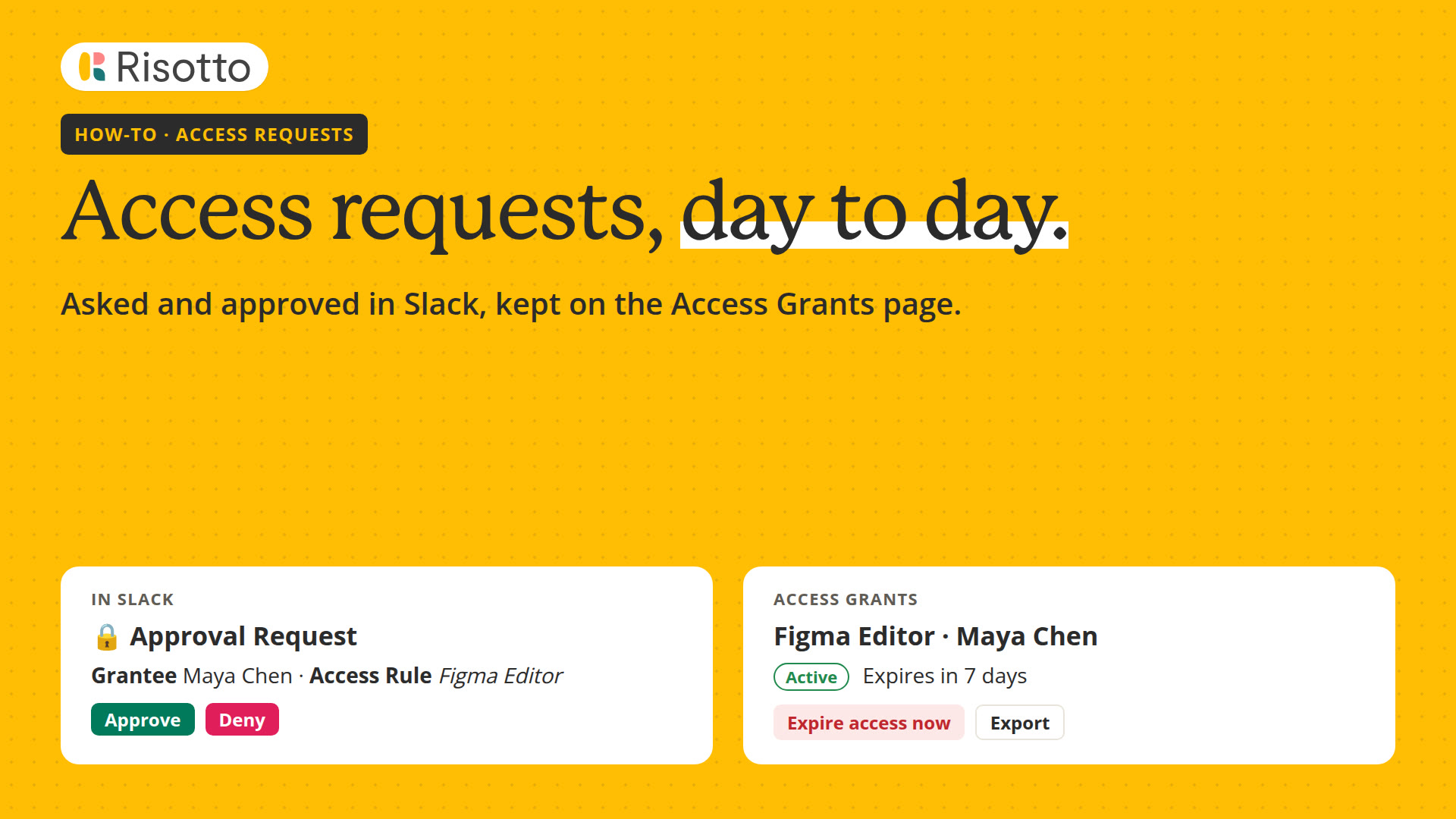 Length 3:13Access requests, day to dayA three-minute video of one access request: asked and approved in Slack, the access rule that handled it with its approval options and approval policies, then the request on the Access Grants page, with expire now and CSV export.
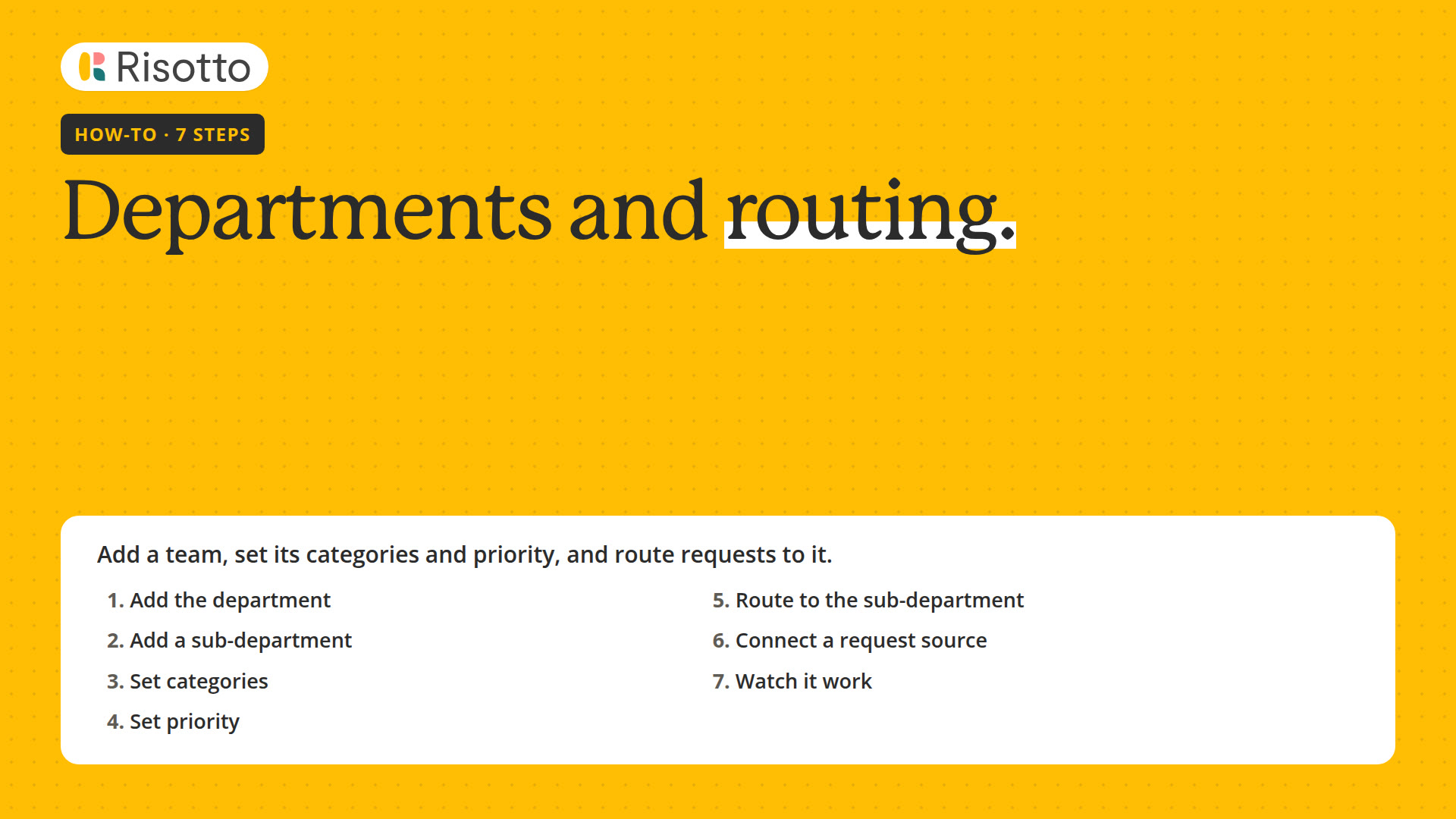 Length 2:14Departments and routingA two-minute video of how requests reach the right team: add a department and a sub-department, set its categories and priority, connect a request source, and watch a request from Slack land in its queue.
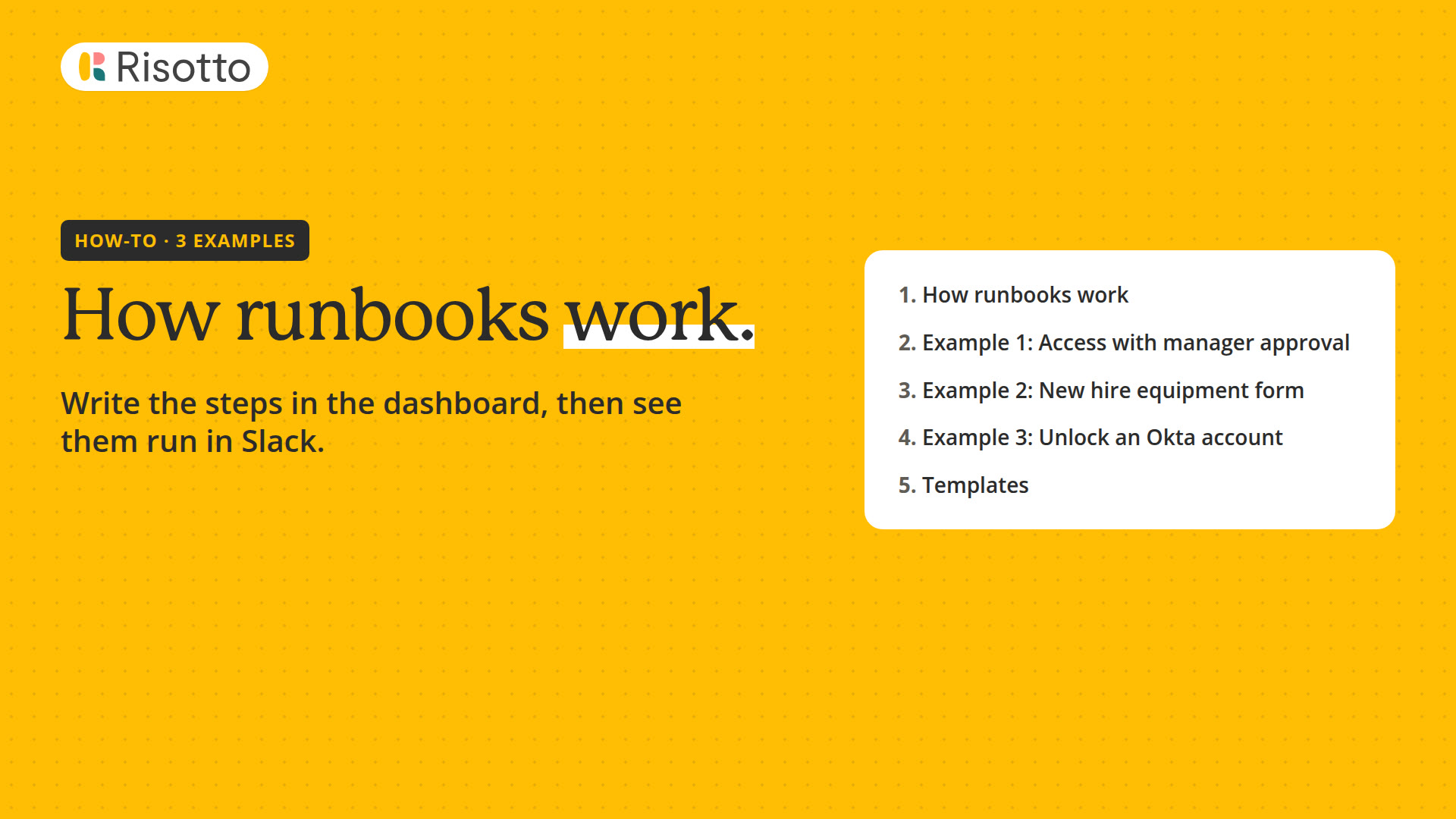 Length 2:55How runbooks workA three-minute video of how runbooks work, then three examples: access with manager approval, a new hire equipment form, and unlocking an Okta account.
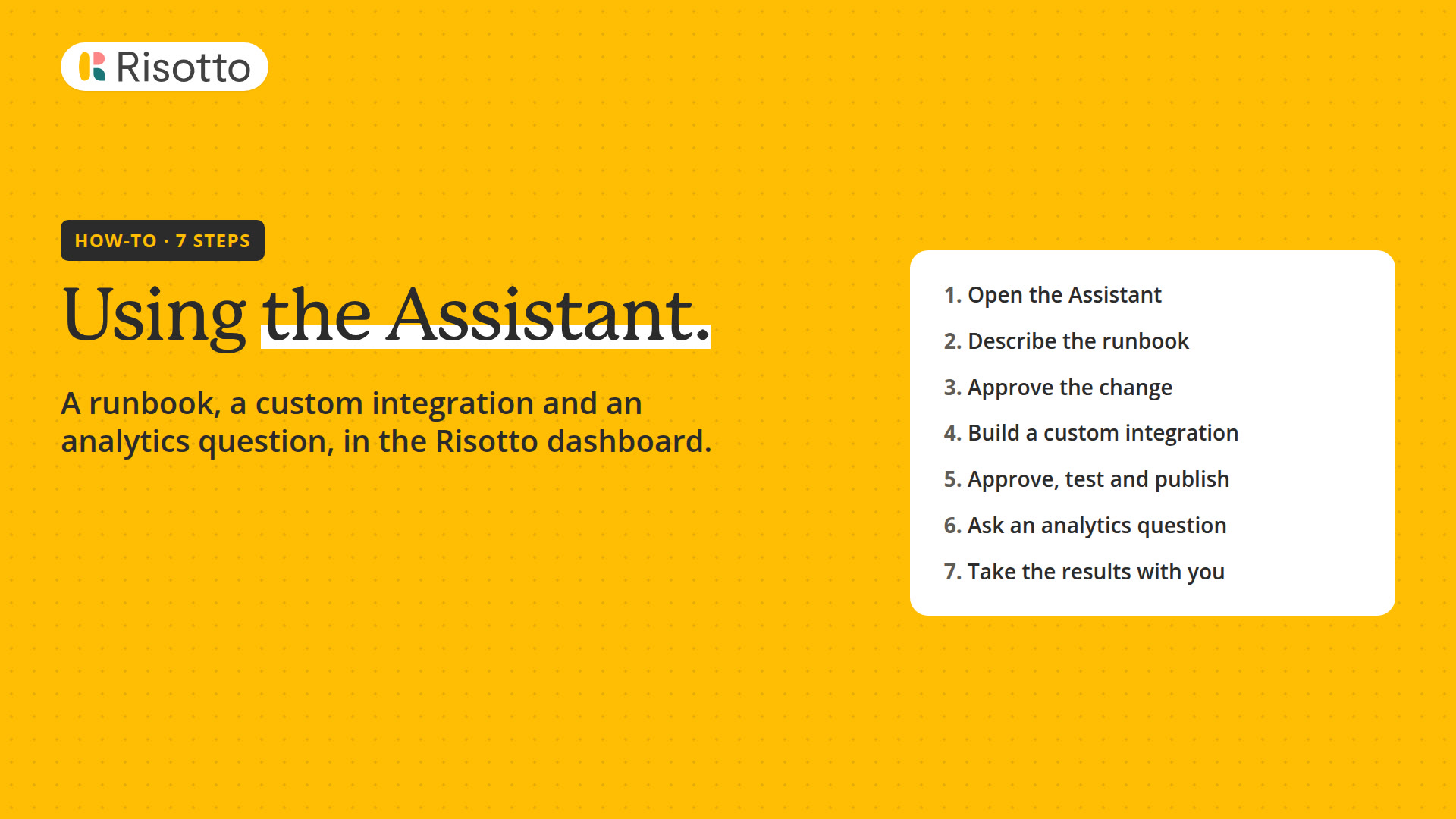 Length 2:22Use the AssistantA two-and-a-half-minute video of the Assistant in the dashboard: a runbook from a prompt, a custom integration as a script tool, and an analytics question with a CSV and an artifact.
Advanced
One approval policy for access requests and tool uses, and its advanced cases, automations that start on an event or a schedule, Risotto in Claude or ChatGPT, and building your own tools.
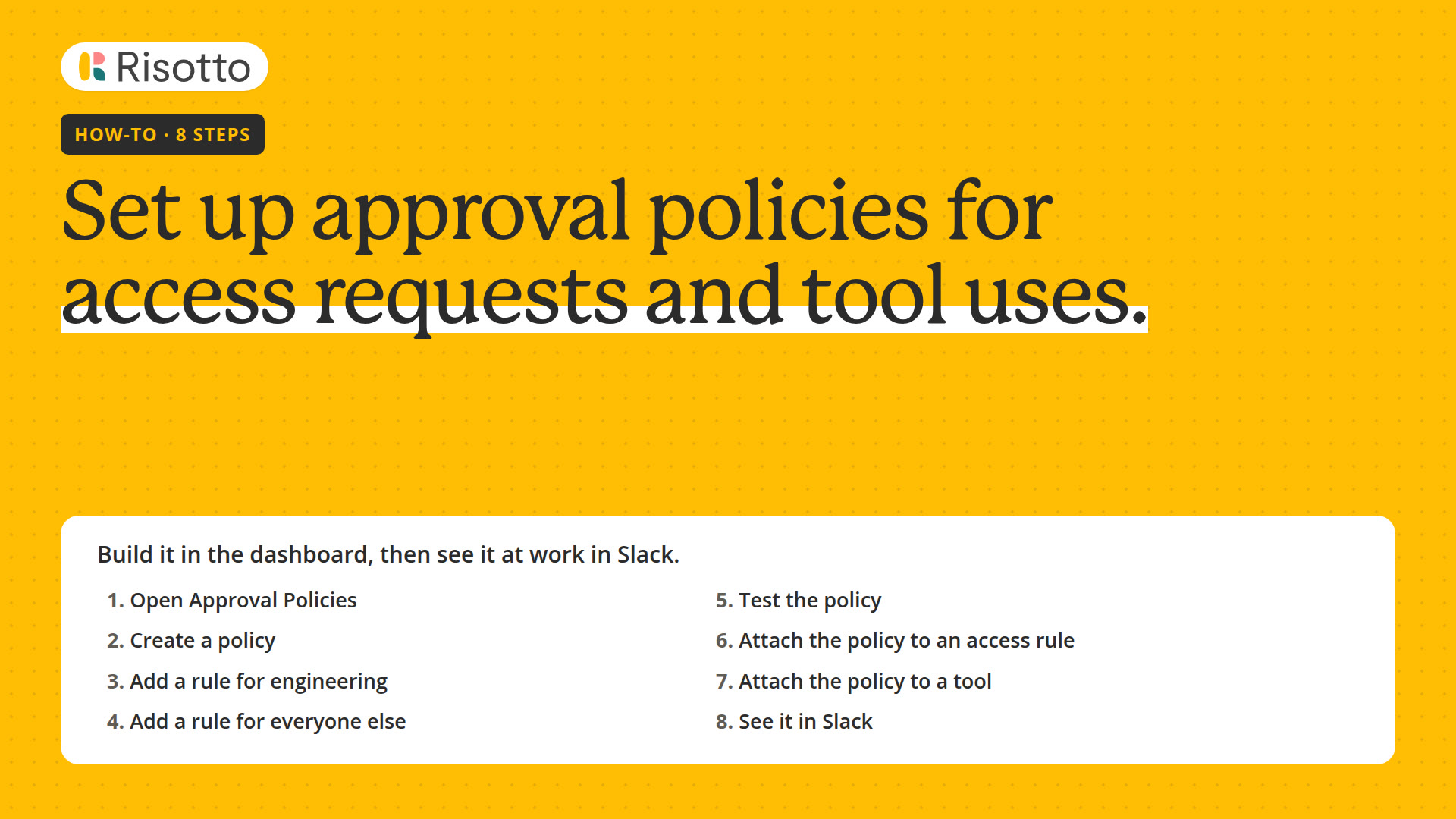 Length 2:53Set up approval policiesA three-minute video of the eight steps to build an approval policy, test it, attach it to an access rule and a tool, and see its approval requests in Slack.
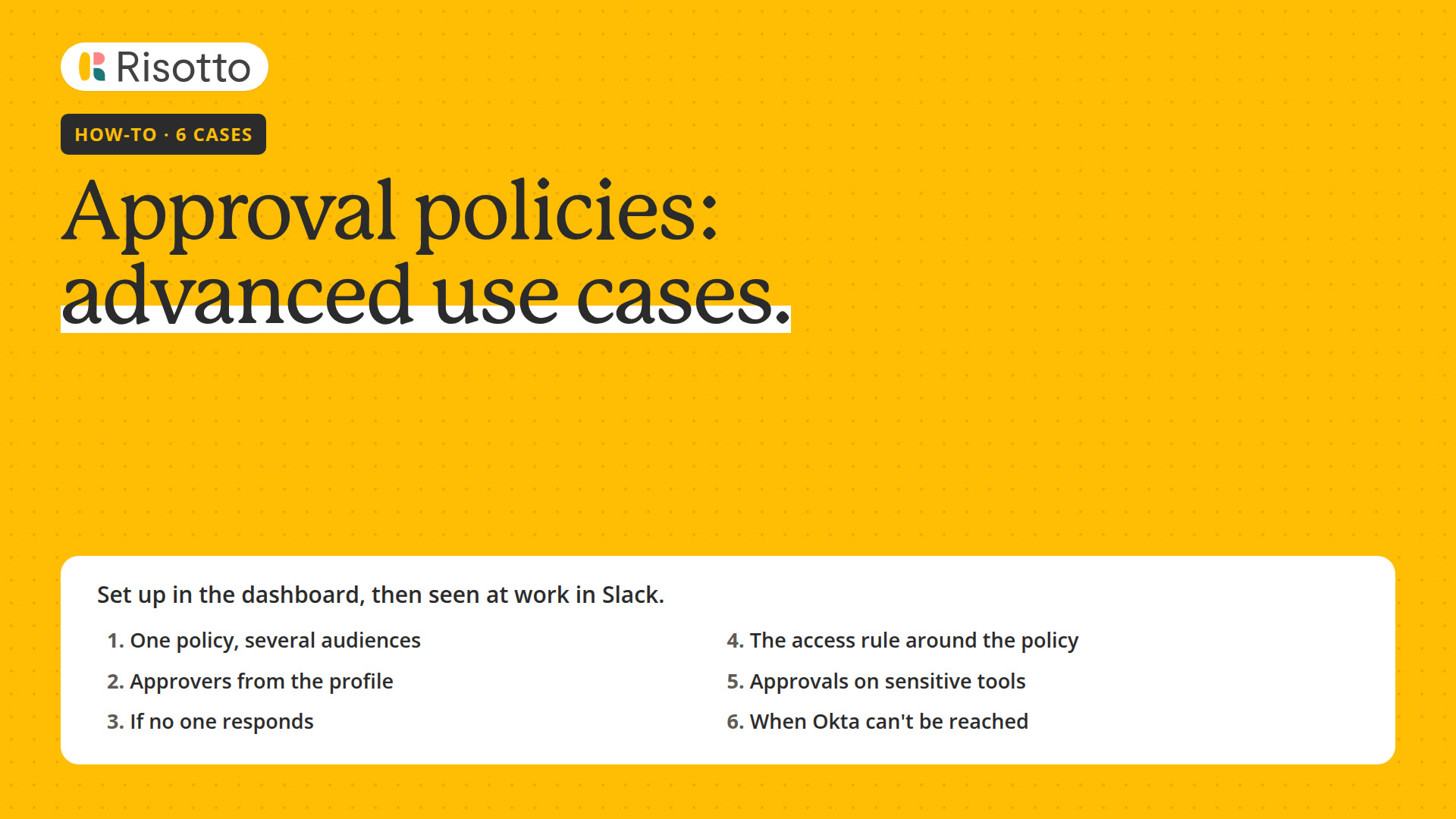 Length 4:03Approval policies: advancedA four-minute video of six approval policy cases: one policy for several audiences, approvers from the profile, a fallback when no one responds, the access rule around a policy, policies on tools, and what happens when your identity provider can't be reached.
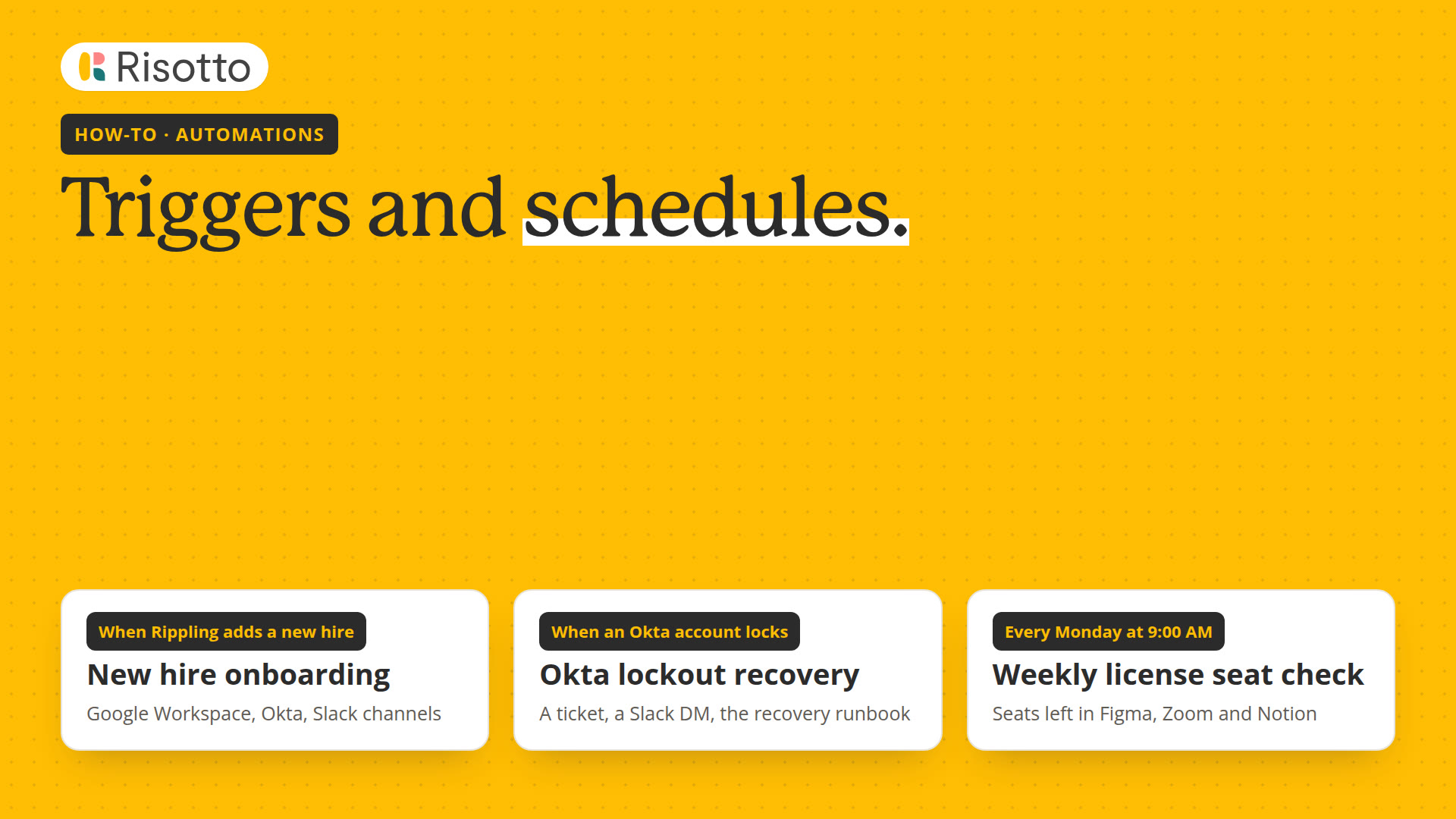 Length 3:11Automations: triggers and schedulesA three-minute video: onboarding that starts when Rippling adds a new hire, a ticket when someone is locked out of Okta, and a weekly check on a schedule.
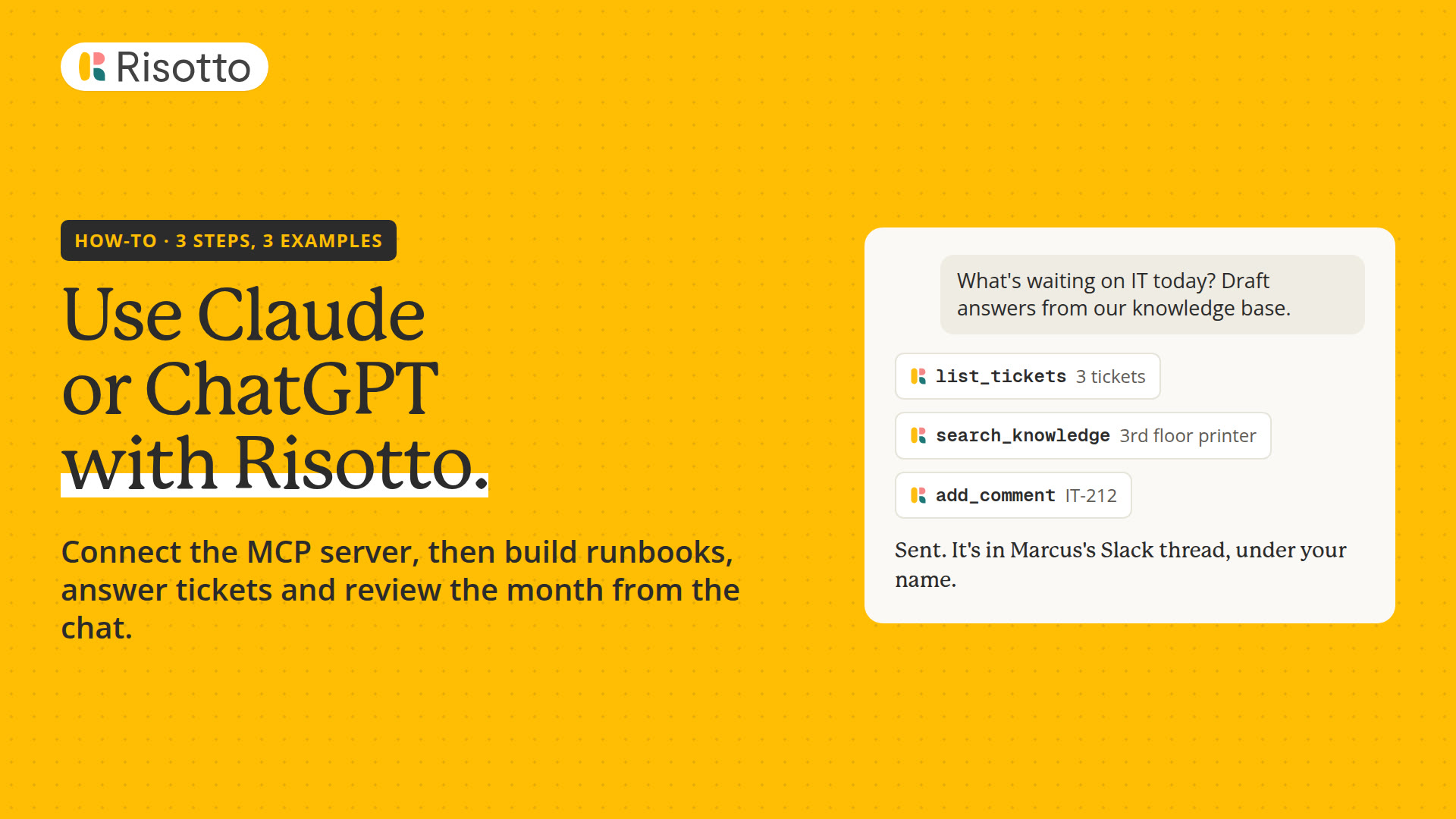 Length 2:46Claude and ChatGPTA video of connecting Risotto's MCP server to Claude in three steps, then three examples of Claude working in Risotto: a runbook, ticket replies and a monthly review.
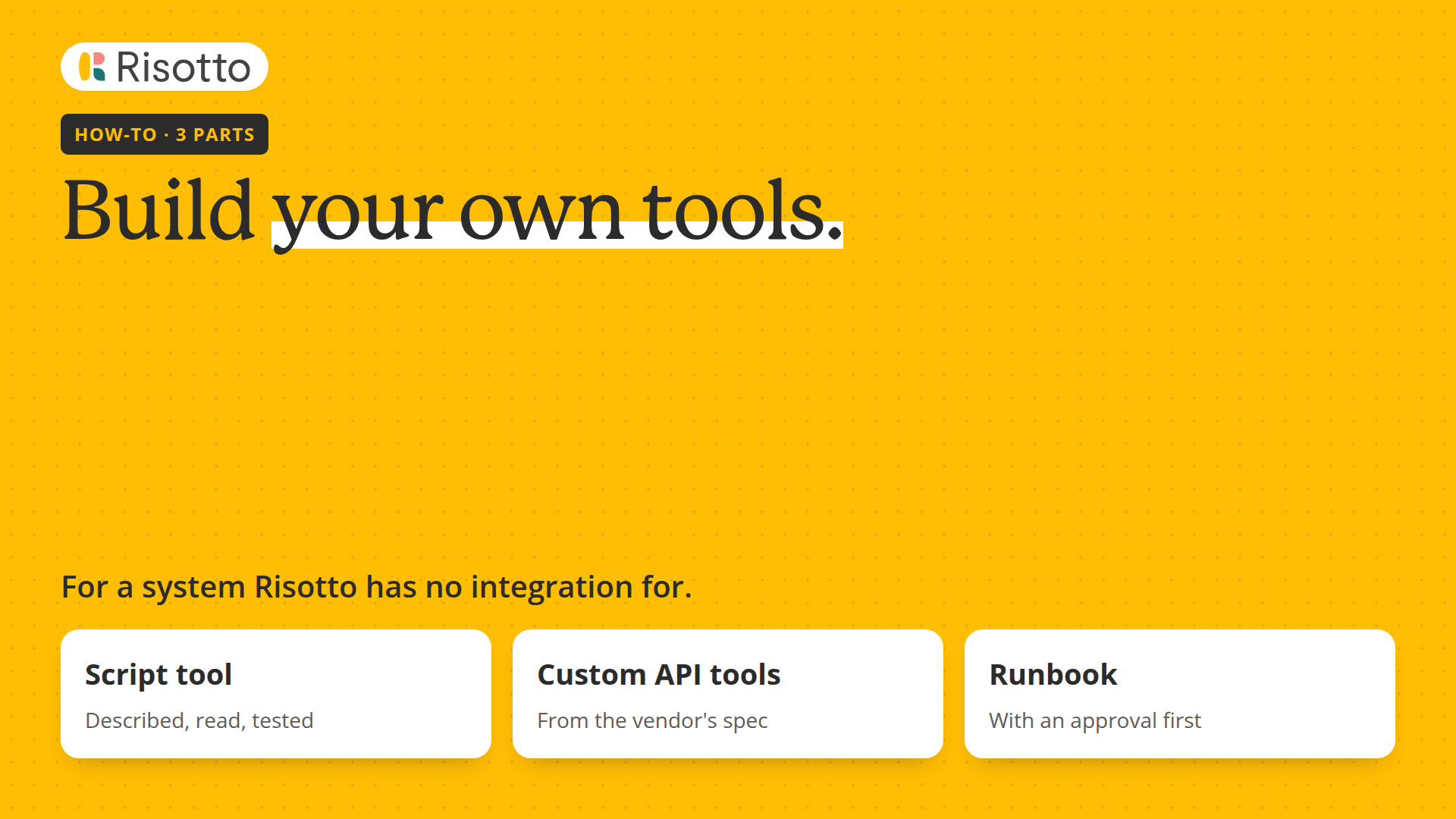 Length 2:39Build your own toolsA video of connecting Risotto to a system it has no integration for: a script tool built in Script Studio with its key in the credential vault, custom API tools from the vendor's spec, and the tool in a runbook, with an approval before it runs.
Examples
One request from start to finish, in under two minutes each.
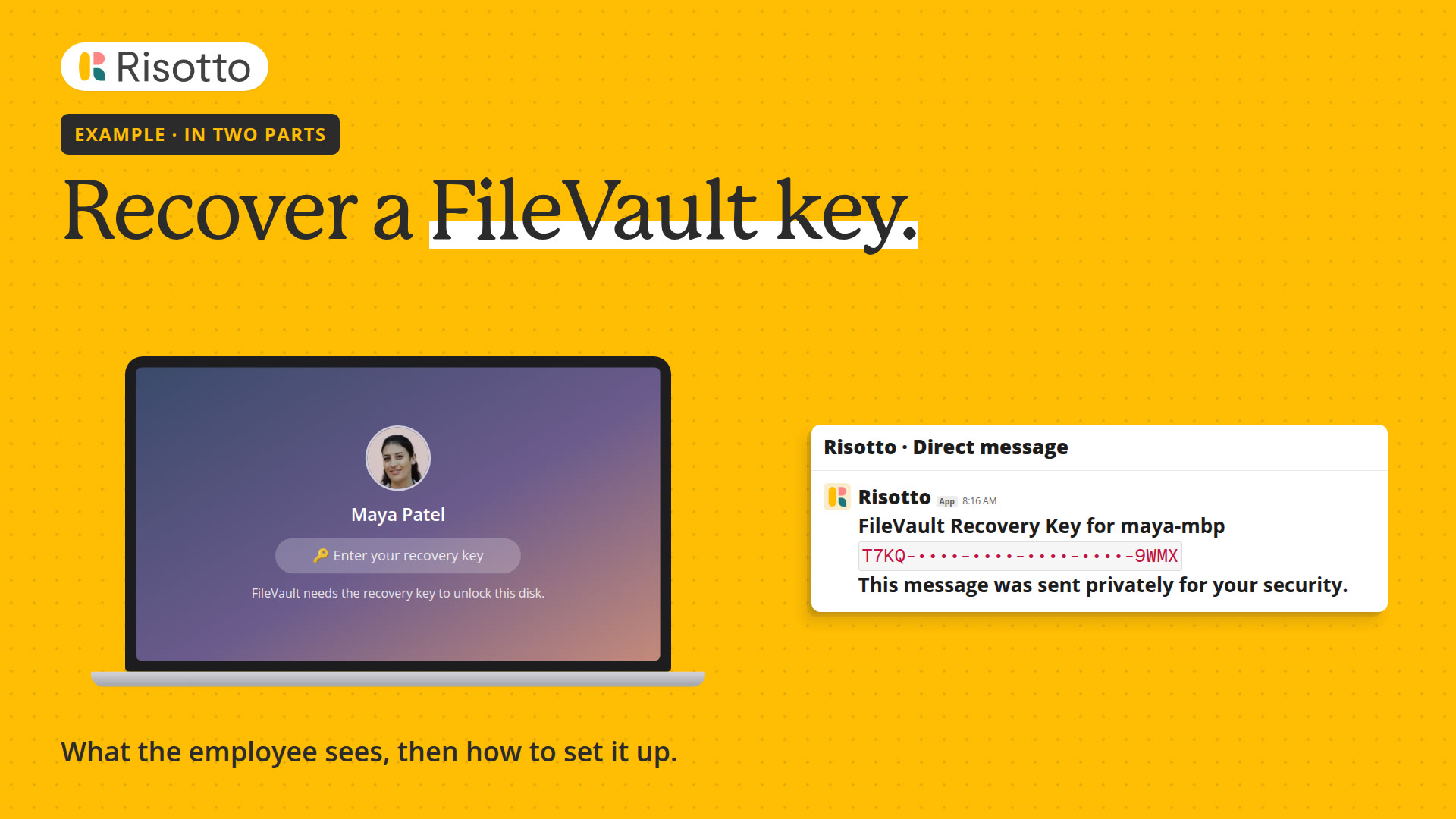 Length 1:50Recover a FileVault keyA two-minute example in two parts: an employee locked out of their Mac gets the FileVault recovery key from Iru after a sign-in to Okta, then how to set it up in Risotto and Okta.
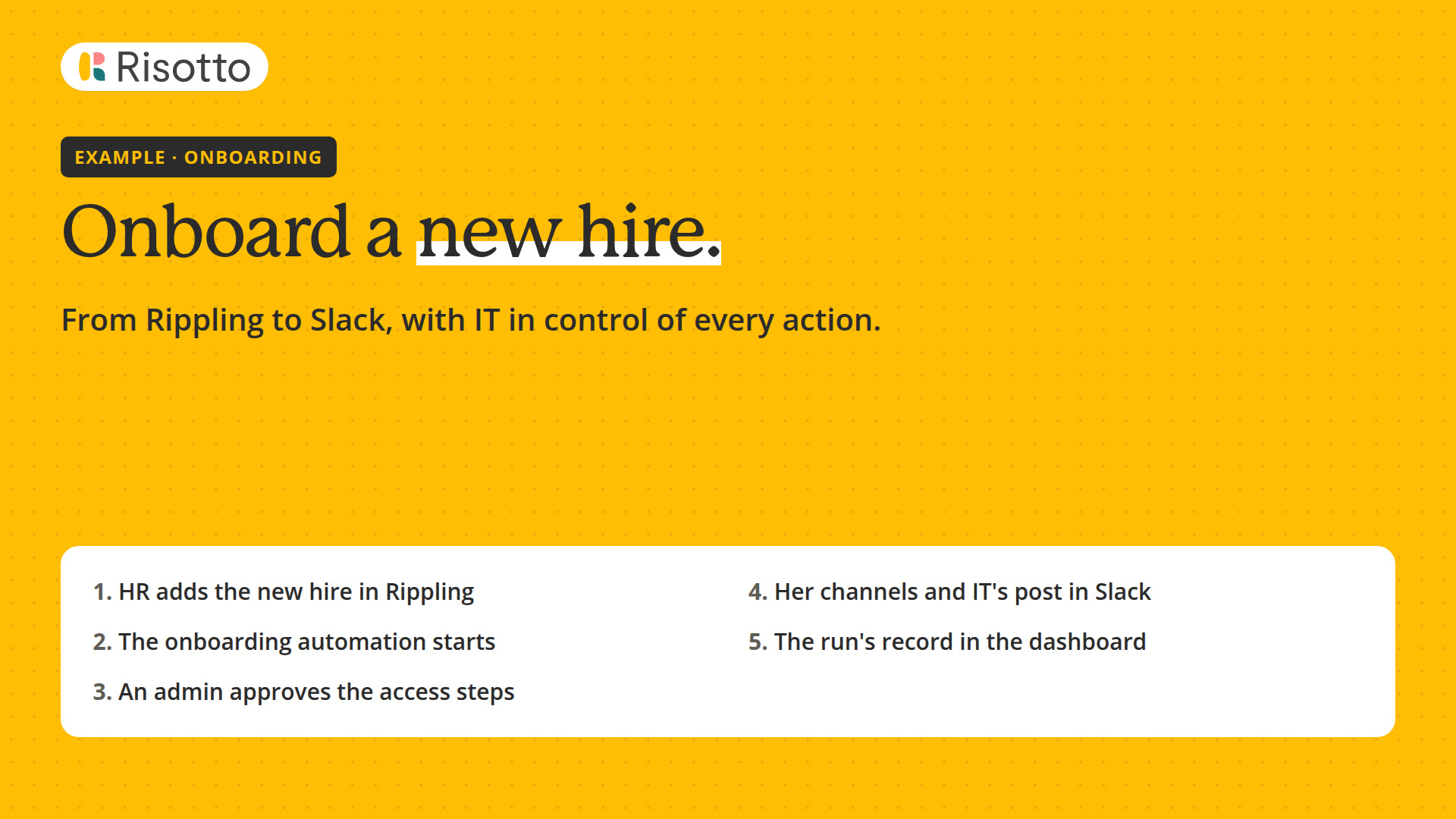 Length 1:24Onboard a new hireA video of one onboarding from start to finish: a new hire added in Rippling starts an automation that sets up their accounts, waits for an admin to approve the access steps, and tells IT in Slack.
Something wrong or missing? Report an issue · View as Markdown